

Author: Raoul
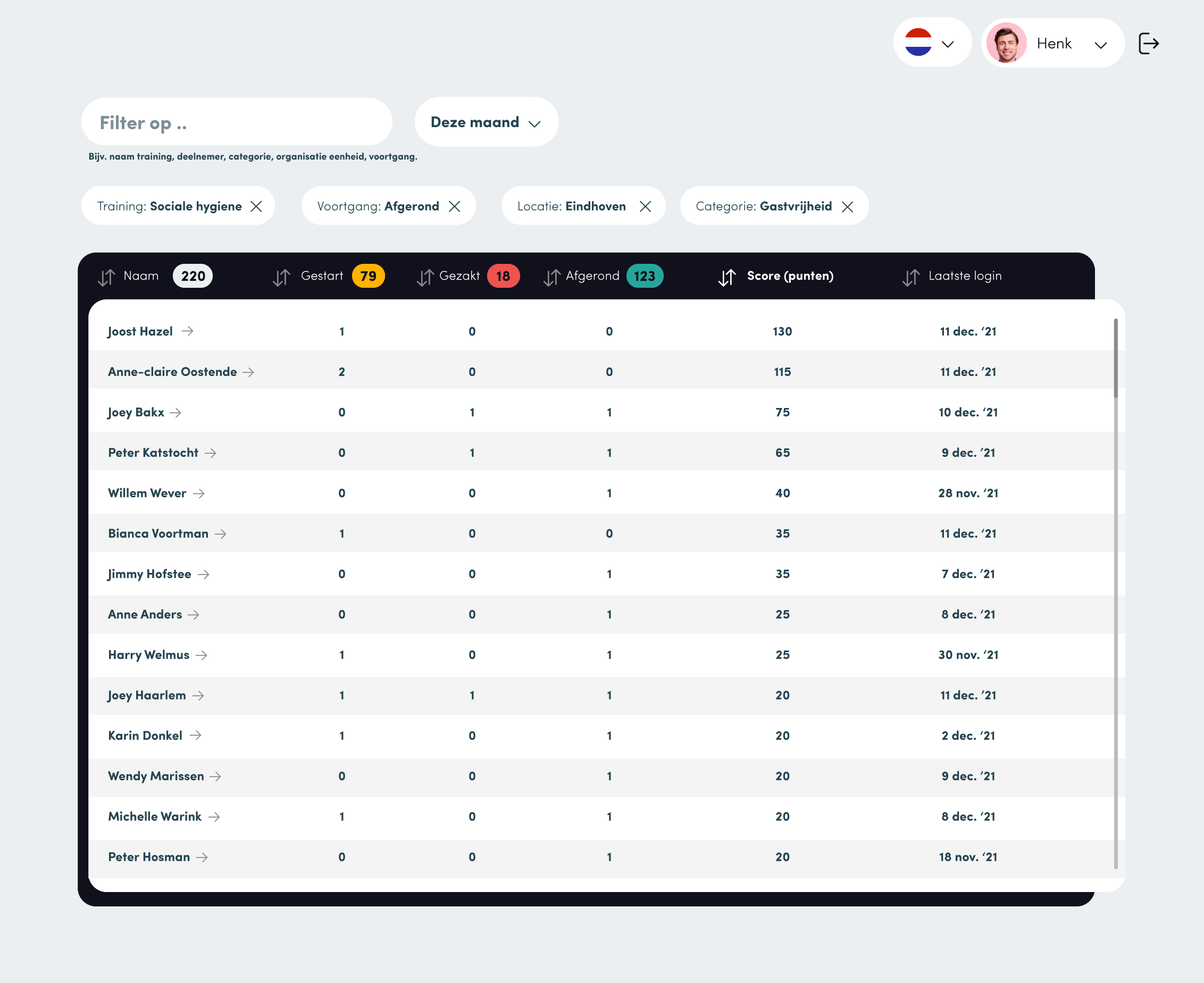
Manager dashboard option to see progress students
Move the option to link a library to a Company
Can we move the option to link a library to a Company to https://app.learngorilla.com/admin/companies? instead of at Library level?
Combining Profile and Settings
Edit 5 to 6 at the bottom of of the student dasboard
As a student, I see 5 training courses at the bottom of the dashboard, why 5?
I should see 21 workouts when I look in the library, but in the workout overview I see 15?
When im logged in as Menno in the CoffeeCollege company
Error after adding user as manager
https://app.learngorilla.com/project-manager/users/new

Can’t edit excisting library
When trying to edit a excesting library it requires a library and course?

Display date course completed
It’s showing todays date, it has to be the date the course was completed:)

Remove this column
Can you remove this column? It feels a bit double beceause we have that also on the top of the page but then more slick:) I think we maybe could use the circles for the manager to see how many of their employees are loggedin?

Checking progress
Solved!
I passed for the course “Snijtechnieken (LG)”, i can see that because i see certificate on the certificate page but on my dashboard is kinda hanging on 78%.


Column are full-width and are cutting off on the right
The columns are going full-width too early i think and are cutting on the right side of the images. I think it is because we are missing a 2 column way, now its going from 1 to 3 columns.

Certificate download gives 500 error
Solved!


Assign course to a library
Solved!
As a test i made a new library called “Raoul test bibliotheek”. After that i went to the “Wijntraining (LG)” course to assign it to my new library, but can’t find it.

Checking column gaps
Solved!

Add media library
We like to have a media library so it isn’t necessary to upload the same image, sometimes i could be we use the same image once again. Something like this?

Managers dashboard
We like something like this (ignore the old design);

List certificates in the empty column
We tought it maybe would be nice to use de empty column for the latest 5 certificates?

Edit info on catalog
Solved!
Instead of company, we would like to show the Library.
And please delete;
- Description
- Url

Assign course to library only
Solved!
The company field doesn’t belong here, when we edit the company we should be able to assign a library to a company. In this way we can assign libraries to multiple company’s.
Important; only we should be able to asign a library to a company, a compeny itself should only be able to make their own library (wich they can assign their own course to)

Using multiple Easygenerator accounts in LearnGorilla
Right now we only can use the EasyGenerator account contact@horecahero.nl, later on we need multiple accounts because some customers have their own EasyGen account.
When you delete courses they are not actually been deleted
Solved!

When you start typing in these inputs it aligned right, can that be left aligned?
Solved!

Resaving a existing course deletes the course image
Solved!
Happens only when you edit a existing course, after saving and returning the image is gone.

Badges page like the dasboard
Could we display the Badges the same way like the dashboard? Differend than the dashboard here all the achieved badges should be displayed. (and offcourse the view more button can be removed on there https://app.learngorilla.com/badges)

In some buttons the icon is outside of them so you can’t click on it (and remove the icon background)


Double newsitem in user dashboard and date/sorting incorrect
Solved!
#1 I posted a news item as a manager from the Coffeecollege company, when i’m logged in as a user (Menno Wouter) it displayed twice.
#2 The sorting isn’t the right way -> the newest one shoud be on top right?

Catalogs: when we scroll nothing is happening (Firefox)
Solved!
I Use Firefox, my co-worker who’s woking on Chrome it works like you say correctly. Is it possible to show all?
Verify email
Keeps coming now and then (feb 22th) – see also second image below

